Getting Access To Custom Posts Data

Problem

In WordPress you have created s custom post type to manage special data, and you would like to render the custom post entries in your project.

Solution

You can use the post binder ({{posts…}}) and pass a parameter post_type. The posts binder will allow you to request posts from the database and adding the parameter post_type, followed by the slug of the post type, it will filter out posts that are different than the posts that you wish to request.

Examples

Render a list of custom posts titles

/* assuming you have a custom post type "event" */
{{posts assign_to="my_events" post_type="event"}}
<ul>
    <h2>Events</h2>
    {{foreach $my_events.data as $event}}
    <li>Name: {{$event.post_title}}<br/>
        Description: {{$event.post_content}}<br/>
        <a href="{{$event.post_permalink}}">View Details</a>
    </li>
    {{/foreach}}
</ul>
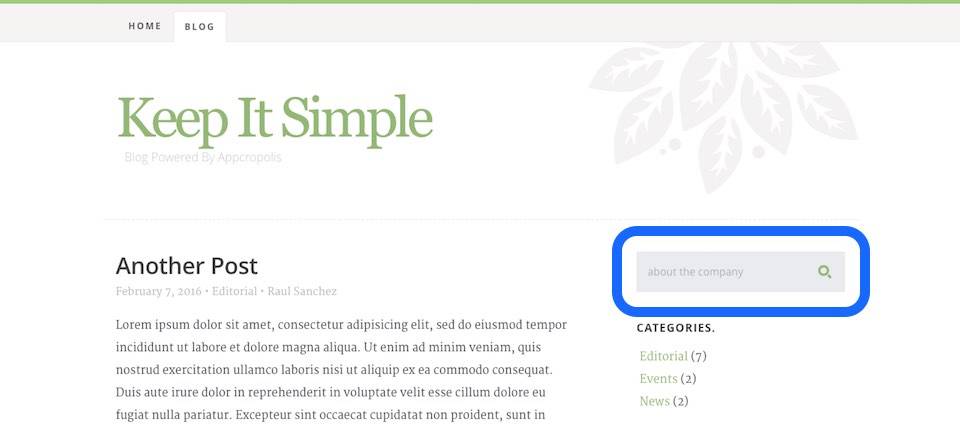


How To Create A Search Form For Your WordPress Blog

Problem

You would like your website visitors to be able to search for content in your website.

Solution

If you are building a blog, you certainly will like to allow your website visitors to search for blog posts. If that is the case you can add a simple form that will allow you visitors to enter a search term and get a list of posts that contains that keyword or term. The code below show how to define a input field with an id and name “s“, which by default is the variable WordPress expect to perform a search operation.

Example

Create a simple form that remembers the last search term

<div class="search-box">
    <h3>Search</h3>
    <form action="/" method="GET">
        <input 
            type="text" 
            id="s" 
            name="s" 
            value="{{if $smarty.get.s}}{{$smarty.get.s}}{{/if}}" 
            placeholder="{{if $smarty.get.s}}{{$smarty.get.s}}{{else}}Search for articles{{/if}}" 
            class="text-search">
        <input type="submit" value="" class="submit-search">
    </form>
</div>


Conclusion

The action of the form is set to the root (“/“), which will assure that the request will be capture by WordPress. Also notices that the value of the search text input field will be “empty” unless the variable “s” is in the page URL. This will allow render the last search term in case the result is empty, the visitor can modify his or her search term without having type the entire term.